Google Drive Background Art
Google Drive
Productivity

Google Drive

4.8
v4.2550.11001
Google LLC

Visual Data

Google Drive Screenshot 1Google Drive Screenshot 2Google Drive Screenshot 3Google Drive Screenshot 4Google Drive Screenshot 5Google Drive Screenshot 6Google Drive Screenshot 7Google Drive Screenshot 8Google Drive Screenshot 9Google Drive Screenshot 10Google Drive Screenshot 11Google Drive Screenshot 12Google Drive Screenshot 13Google Drive Screenshot 14Google Drive Screenshot 15

Briefing

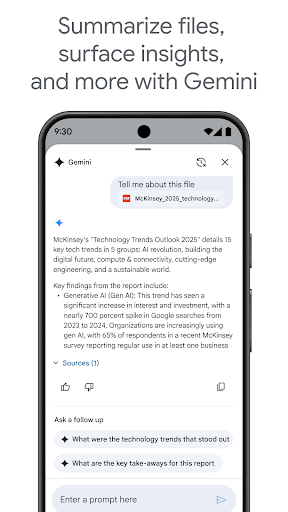
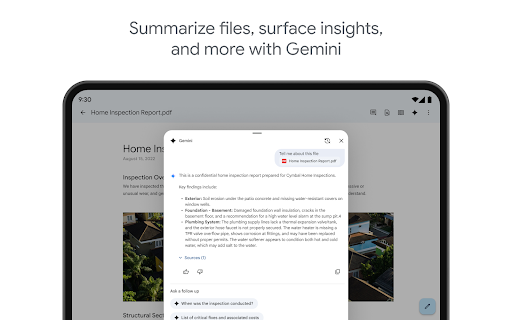
Google Drive is a versatile mobile app that helps users store, share, and access their files across devices. As a leading Android app in the productivity category, it offers a seamless app experience with features like real-time syncing, file organization, and collaborative editing. This app-based solution is trusted by millions for its reliability and ease of use.

Core Data

Core Features

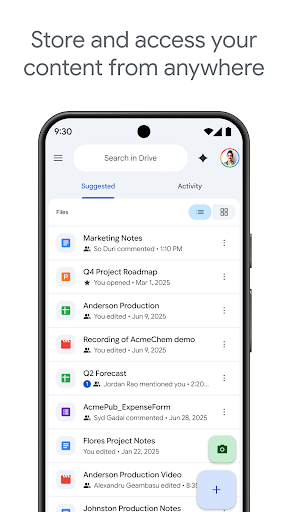
  • The app features seamless real-time synchronization, ensuring your files are always up-to-date across devices.
  • It offers offline mode support, allowing users to view and edit documents without an internet connection.
  • Robust sharing options enable quick collaboration with others through link sharing and permissions control.
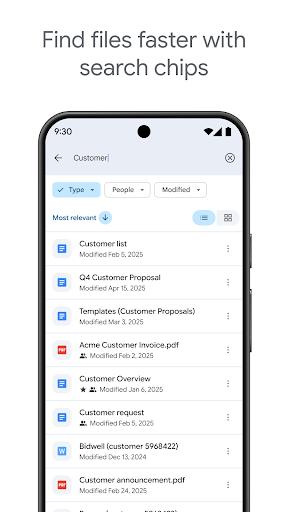
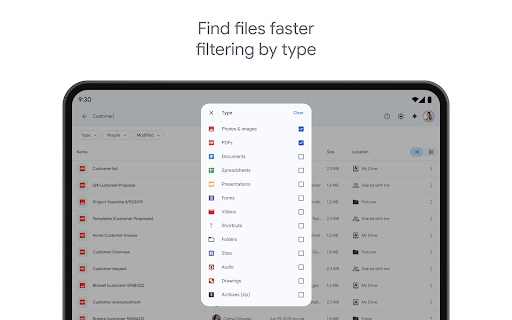
  • The app includes advanced search functionality, making it easy to locate files quickly within large storage.
  • Integration with other Google services enhances productivity and streamlines workflow within the app experience.
  • Secure storage and data encryption provide a trustworthy environment for sensitive work files.
  • The user interface is intuitive, designed for effortless navigation on both Android and iOS devices.
  • Notification alerts keep users informed about file updates, shared items, and activity history.

Who This App Is For

This mobile app is ideal for students, professionals, and teams who need reliable cloud storage and easy access to files on the go.

Whether you're managing personal documents or collaborating on work projects, this app-based solution adapts to various use cases, offering a smooth app experience for Android and iOS users alike.

Why Choose This App

This Android app stands out with its combination of powerful app features and seamless integration capabilities, making file management straightforward and efficient.

Its reliable app experience and secure storage options provide users with peace of mind, making it a top choice among productivity apps on mobile devices.

System Features

1

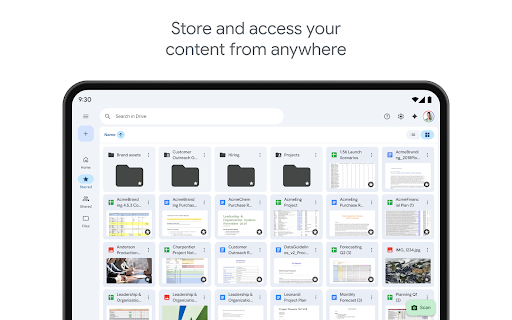
Simplifies file management for easy access and sharing

2

Ensures data security through encryption and authentication

3

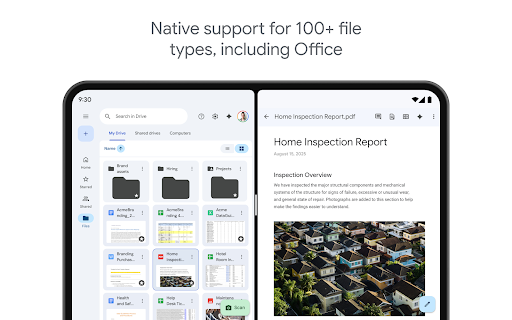
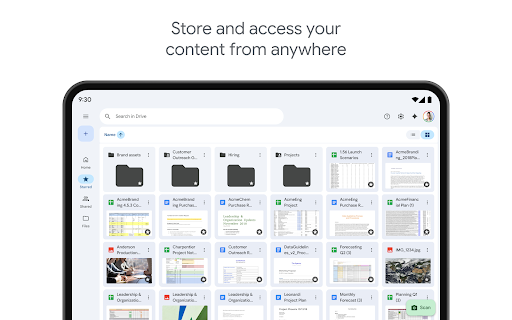
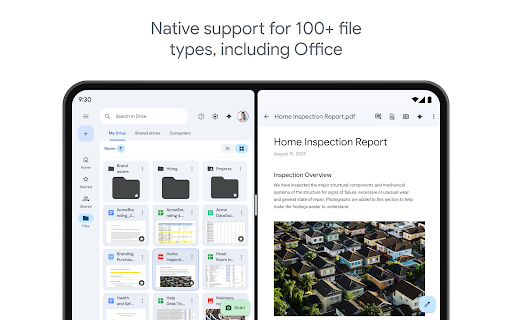
Seamlessly stores and accesses diverse file types and media

4

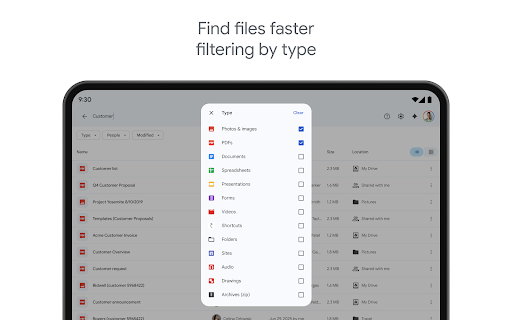
Accelerates work with powerful search and filtering tools

5

Enables offline viewing and editing of files

6

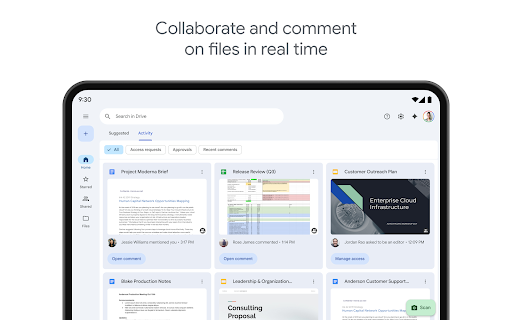
Facilitates team collaboration with shared drives and permissions

7

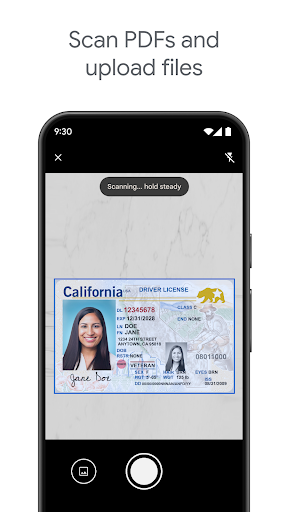
Supports digitizing and uploading paper documents effortlessly

8

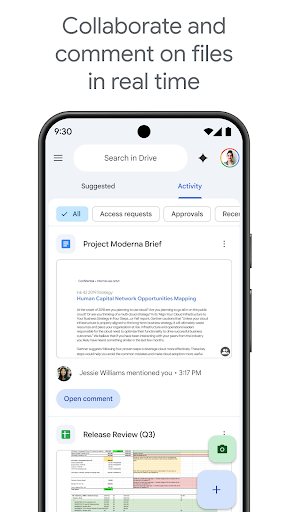
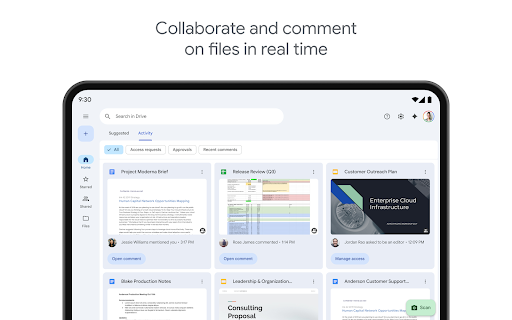
Enhances workflow with real-time collaboration and automatic saving

Advantages

  • +
    Allows easy access and sharing across Google services like Gmail and Google Photos.
  • +
    Offers 15 GB of free storage, which is sufficient for most individual users.
  • +
    Enables multiple users to edit documents simultaneously, enhancing team productivity.
  • +
    Available on Android, iOS, Web, and desktop, providing flexibility for users.
  • +
    Safeguards against data loss by maintaining version history and automatic backups.

Limitations

  • -
    Offline editing is restricted and may require pre-downloading files, which can be inconvenient.
  • -
    Upload speeds can be slow during peak hours or with large files; using Wi-Fi can improve performance.
  • -
    Managing sharing permissions can become complicated with multiple collaborators; official updates aim to simplify this.
  • -
    Mobile versions may lack some functionalities found in desktop counterparts, but this is expected to improve with future updates.
  • -
    Cloud storage raises concerns about data confidentiality, though Google employs strong security measures; users can enable 2FA for added safety.

Download Protocol

[SECURE LINK] You are being redirected to the official app store.
FAQ Protocol

Q: Is Google Drive safe to use on my mobile device?

Yes, Google Drive is designed with strong security measures to protect your files and data. The app uses encryption both during data transfer and storage, making your information safe from unauthorized access. Many users trust Google Drive as an app-based solution for storing sensitive documents, photos, and more. Regular updates also help keep the app secure and reliable for all users.

Q: Can I access Google Drive offline on my Android device?

Absolutely. Google Drive offers offline access, allowing you to view, edit, and manage files without an internet connection. You need to set up offline availability within the app first. This feature makes Google Drive a handy mobile app for users who work on the go. It ensures your app experience remains smooth, even in areas with limited connectivity.

Q: How do I install or update Google Drive on my Android device?

You can find Google Drive in the Google Play Store, where it's regularly updated to add new features and fix bugs. The app is compatible with most Android devices and is easy to install. Ensuring your app is up to date is important for security and enjoying the latest app features that improve your overall app experience.

Q: Does Google Drive offer enough app features for my productivity needs?

Yes, Google Drive provides a variety of app features, including file sharing, real-time collaboration, and seamless integration with other Google services like Docs and Sheets. It's a popular launcher app for productivity on Android devices. These features make it a top choice for anyone seeking an app-based solution to increase efficiency and stay organized across devices.

Q: Can I trust Google Drive for storing personal and work files?

Google Drive is a trusted platform used by millions around the world. Its robust security protocols and Google's reputation for data safety make it a reliable choice for storing personal and work files alike. With frequent security updates and strong encryption, your app experience remains trustworthy while keeping your sensitive data protected.

Q: Is Google Drive compatible with other devices besides Android?

Yes, Google Drive is available on iOS devices through the App Store, enabling a consistent app experience across platforms. You can access and manage your files seamlessly whether you're using an Android or Apple device. This cross-platform support makes Google Drive a versatile app-based solution for users who switch between different devices or ecosystems.

Q: What should I do if I encounter problems with Google Drive?

For common issues, try updating the app or clearing its cache, which often solves minor glitches. If problems persist, visiting Google Drive's support page or checking https://play.google.com/store/apps/details?id=com.google.android.apps.docs will provide helpful troubleshooting tips. Being well-informed about your app features and updates helps ensure a smooth app experience and maintains your trust in Google Drive as your preferred storage tool.

Q: What distinguishes Google Drive from other cloud storage apps?

Google Drive stands out with its tight integration with other Google services, real-time collaboration features, and compatibility as a launcher app for productivity. Its intuitive interface and security protocols make it a popular choice for both personal and professional use. Many users appreciate its easy-to-use app features and reliable app experience, which make managing files simple whether on an Android or iOS device. This makes Google Drive a leading app-based solution in the cloud storage market.

Customer Reviews

Loading reviews...

Recommended Protocols