Gaming Mode - Game Booster PRO Background Art
Gaming Mode - Game Booster PRO
Personalization

Gaming Mode - Game Booster PRO

4.4
v2.0.5
ZipoApps

Visual Data

Gaming Mode - Game Booster PRO Screenshot 1Gaming Mode - Game Booster PRO Screenshot 2Gaming Mode - Game Booster PRO Screenshot 3Gaming Mode - Game Booster PRO Screenshot 4Gaming Mode - Game Booster PRO Screenshot 5Gaming Mode - Game Booster PRO Screenshot 6Gaming Mode - Game Booster PRO Screenshot 7Gaming Mode - Game Booster PRO Screenshot 8Gaming Mode - Game Booster PRO Screenshot 9Gaming Mode - Game Booster PRO Screenshot 10Gaming Mode - Game Booster PRO Screenshot 11Gaming Mode - Game Booster PRO Screenshot 12Gaming Mode - Game Booster PRO Screenshot 13Gaming Mode - Game Booster PRO Screenshot 14Gaming Mode - Game Booster PRO Screenshot 15Gaming Mode - Game Booster PRO Screenshot 16Gaming Mode - Game Booster PRO Screenshot 17Gaming Mode - Game Booster PRO Screenshot 18Gaming Mode - Game Booster PRO Screenshot 19Gaming Mode - Game Booster PRO Screenshot 20Gaming Mode - Game Booster PRO Screenshot 21Gaming Mode - Game Booster PRO Screenshot 22Gaming Mode - Game Booster PRO Screenshot 23Gaming Mode - Game Booster PRO Screenshot 24

Briefing

Gaming Mode - Game Booster PRO is a versatile mobile app designed to enhance your gaming experience on Android devices. This easy-to-use launcher app optimizes your device's performance, reduces lag, and provides a smooth, immersive gaming session. Whether you play casual or competitive games, its app features are tailored to deliver an improved app experience for gamers seeking reliable, performance-focused solutions.

Core Data

Core Features

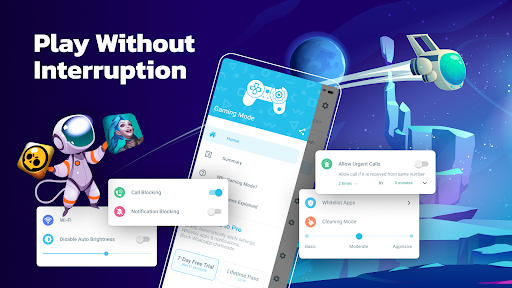
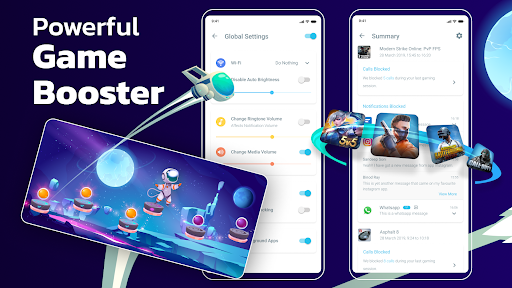
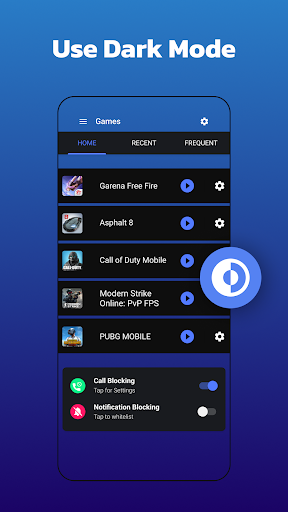
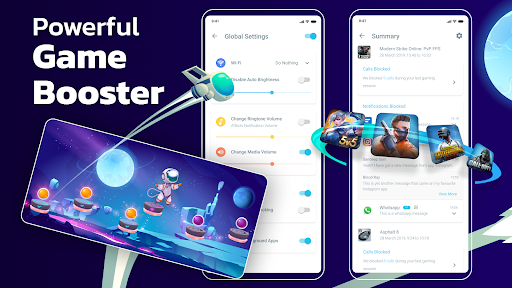
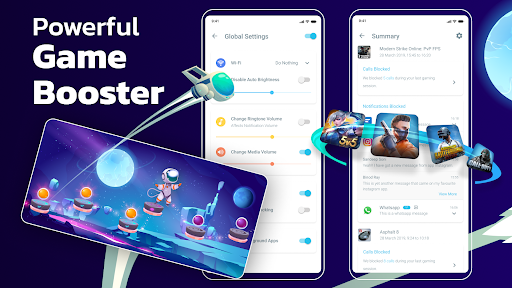
  • The app features a powerful game booster tool that automatically optimizes system resources for smoother gameplay.
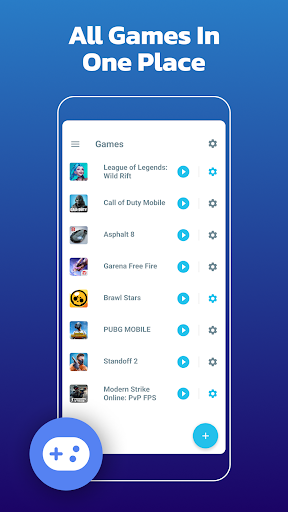
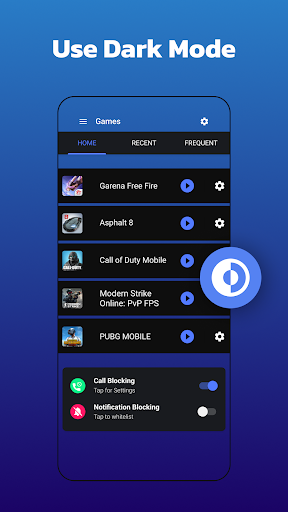
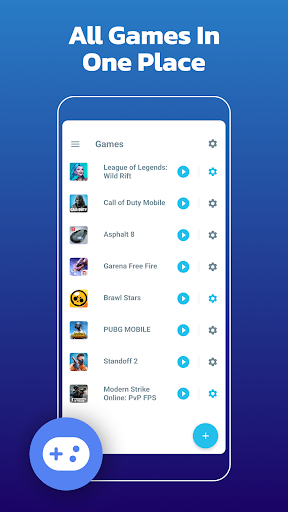
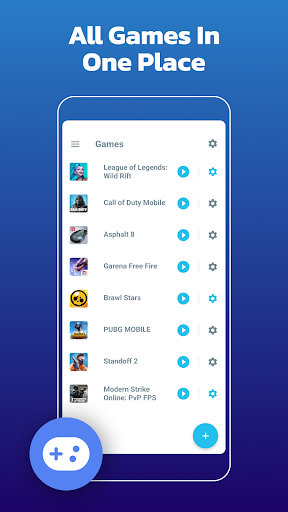
  • It includes a dedicated launcher app that helps manage and quickly access your favorite games with just one tap.
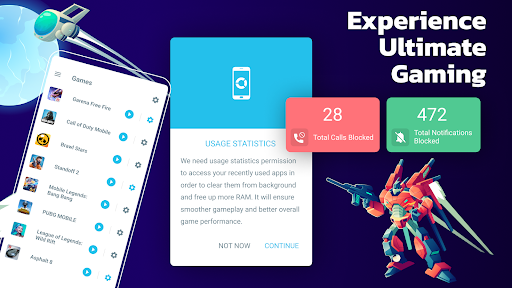
  • Real-time RAM cleaning ensures your device runs at peak performance during intensive gaming sessions.
  • The app offers customizable game modes to prioritize CPU, GPU, and network connections for an enhanced app experience.
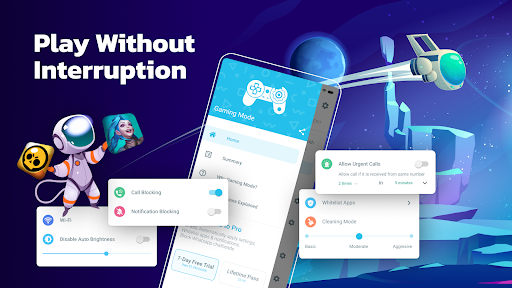
  • With an intuitive interface, users can easily toggle gaming mode and improve overall fun without interruptions.
  • It provides detailed insights into device performance metrics, helping users understand app features better.
  • The app supports offline mode, allowing gaming without internet disruptions, ideal for on-the-go users.

Who This App Is For

This mobile app is designed for casual gamers, tech enthusiasts, and anyone who wants to enhance their Android app experience through optimized performance.

It's perfect for users who frequently play mobile games or use resource-intensive apps, offering an app-based solution to improve device responsiveness and gaming quality.

Why Choose This App

This Android app stands out with its comprehensive app features that boost gaming performance and simplify management, making it a top choice for mobile gamers and power users alike.

It solves common performance issues by providing easy-to-use tools and real-time optimization, ensuring a better app experience with trusted, proven solutions over other launcher apps.

System Features

1

Optimize Device Performance for Seamless Gaming Experience

2

Enhance Gaming Experience with Custom Profiles

3

Simplify Navigation with User-Friendly Interface

4

Create Instant Access Widgets for Quick Launching

5

Block Distractions with Internet Connection Control

6

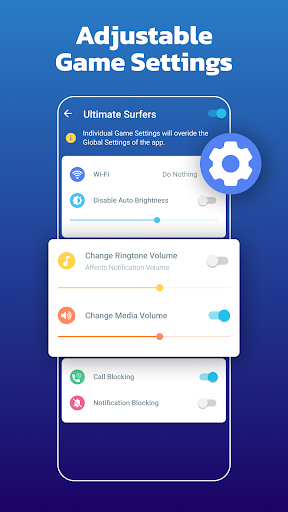
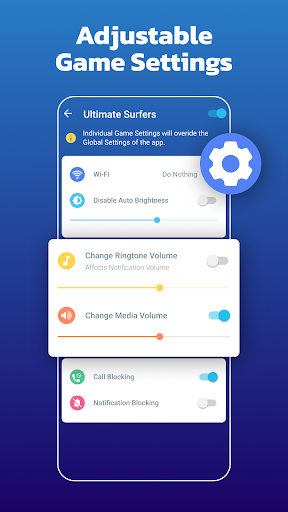
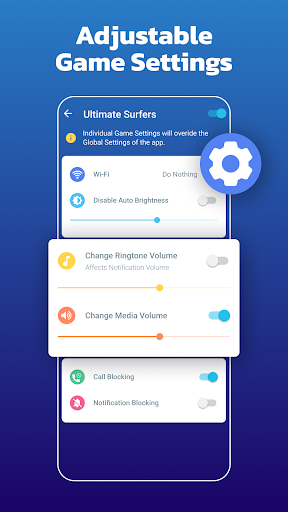
Automatically Adjust Settings for Games

7

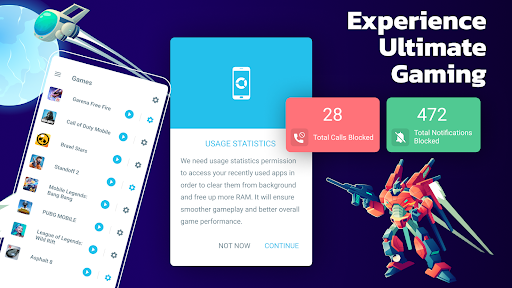
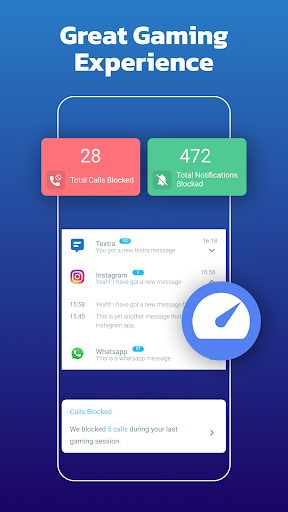
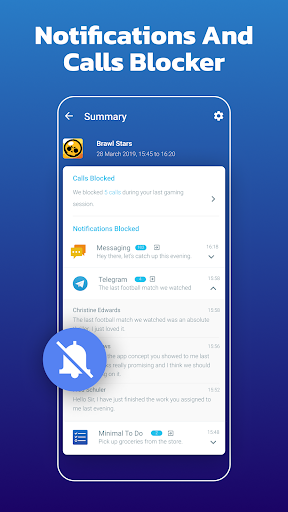
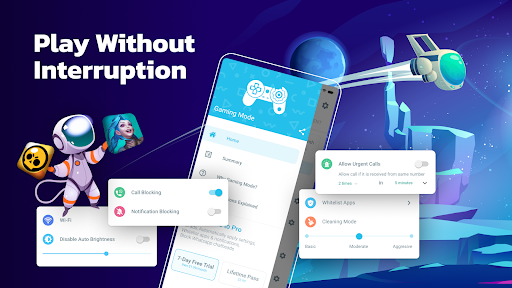
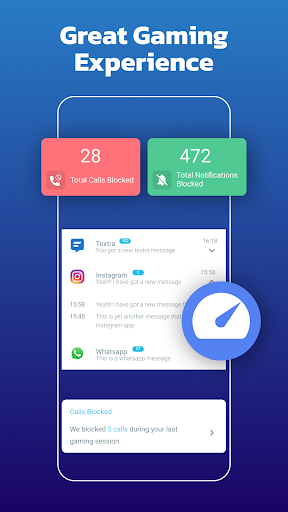
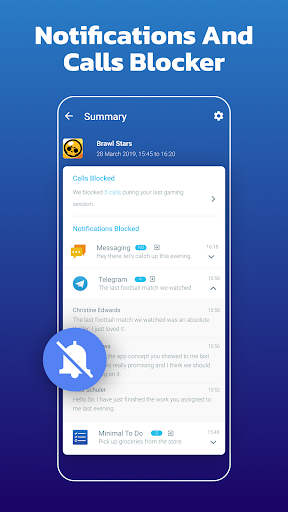
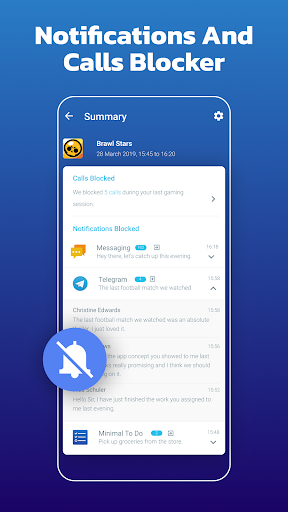
Manage Notifications to Reduce Interruptions

8

Transform Device into a Distraction-Free Gaming Hub

Advantages

  • +
    Game Booster PRO optimizes system resources to reduce lag and improve frame rates during gameplay.
  • +
    Users can instantly activate performance enhancements with a simple button press, saving time.
  • +
    Allows users to set specific preferences for different games, ensuring optimal settings for each title.
  • +
    Closes unnecessary background apps to free up memory and CPU resources during gaming sessions.
  • +
    The app design is intuitive, making it accessible even for less tech-savvy users.

Limitations

  • -
    Currently, Game Booster PRO is only available on Android, restricting users on other platforms.
  • -
    Some background apps may be prematurely closed, possibly affecting multitasking tasks. Users can manually whitelist essential apps.
  • -
    Frequent advertisements or upgrade prompts may disrupt gameplay. Future updates might reduce these distractions.
  • -
    The app's optimization processes can lead to higher battery drain; users can limit boost duration to conserve power.
  • -
    Advanced users seeking detailed control may find the settings somewhat basic; official updates may introduce more options.

Download Protocol

[SECURE LINK] You are being redirected to the official app store.

FAQ Protocol

Q: Is Gaming Mode - Game Booster PRO safe to use on my Android device?

Yes, Gaming Mode - Game Booster PRO is designed with safety in mind. It ensures your device remains secure and performs optimally while enhancing your gaming experience. The app is trusted by many users for its reliability. Since it is a popular mobile app, it complies with standard security protocols and isn't known to include any harmful features. Always download apps from reputable sources like the Google Play Store to maintain safety while using this app based solution.

Q: How do I install Gaming Mode - Game Booster PRO on my Android phone?

Installing this Android app is straightforward; you can find it on the Google Play Store. Simply search for Gaming Mode - Game Booster PRO and tap the install button. Once installed, the app integrates seamlessly with your device's launcher app, allowing you to quickly access its features. Make sure your device meets the necessary requirements for an optimal app experience.

Q: What are the main app features of Gaming Mode - Game Booster PRO?

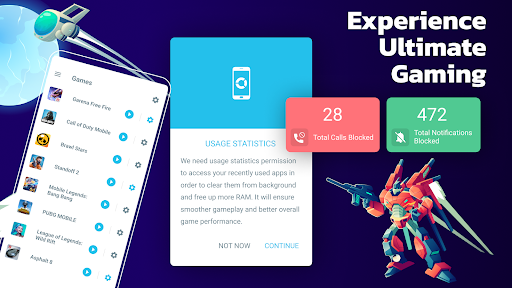
This mobile app offers a variety of features designed to improve your gaming sessions. It includes game acceleration, notification blocking, and customizable game profiles. These features help reduce lag and distractions. The app also allows you to optimize your device performance with a single tap, making it a useful launcher app for gamers who want a smoother app experience on their Android devices.

Q: Will Gaming Mode - Game Booster PRO improve my game performance?

Absolutely. The core goal of this app based solution is to boost your device's performance specifically during gaming sessions. It fine-tunes system resources, minimizes background processes, and enhances overall responsiveness. Many users report that it significantly reduces lag and increases frame rates, providing a better app experience whether you're playing on a mid-range or high-end Android device.

Q: Does Gaming Mode - Game Booster PRO consume a lot of battery or data?

This mobile app is designed to be efficient, with minimal impact on your device's battery life. It runs in the background only when needed to enhance your gaming experience. As for data, it generally doesn't use much, but it may require internet access for certain features like updates or notifications. Overall, it's optimized to deliver excellent app features without draining your resources.

Q: Can I customize the app settings to suit my gaming preferences?

Yes, Gaming Mode - Game Booster PRO comes with a range of customizable features. You can set specific profiles for different games, control notification settings, and adjust performance parameters. This flexibility helps deliver a tailored app experience, making it easier to optimize your device for each gaming session and ensuring maximum efficiency.

Q: Is Gaming Mode - Game Booster PRO compatible with all Android devices?

The app works well on most Android devices, including popular models from various manufacturers. However, some older or less common devices might have limited compatibility. As a trusted launcher app, it's designed to be simple to use while delivering powerful app features to improve your gaming experience across different device configurations.

Q: Where can I find more information or support for Gaming Mode - Game Booster PRO?

For additional details or assistance, you can visit the app's official page on the Google Play Store. There, you'll find reviews, updates, and contact options for support. Since the app is developed by a reputable team, you can trust that their resources will help you get the most out of this app based solution and enhance your overall app experience.

Customer Reviews

Loading reviews...

Recommended Protocols