Clone Master- Multi Dual Space
Visual Data
Briefing
Core Data
core functions
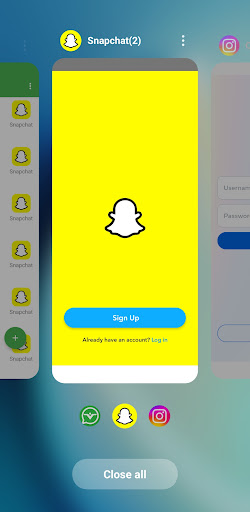
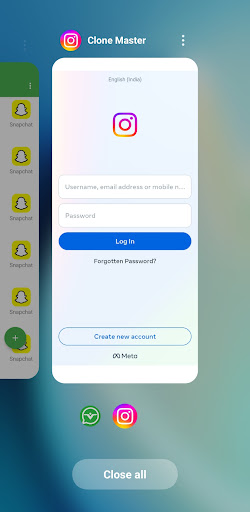
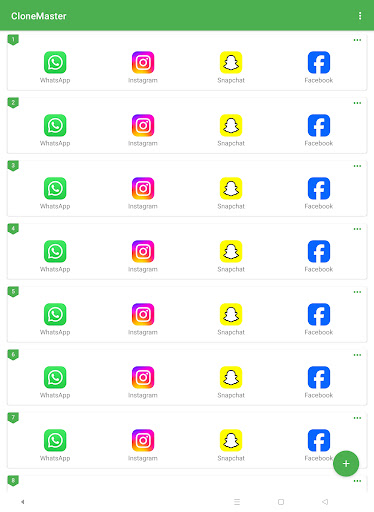
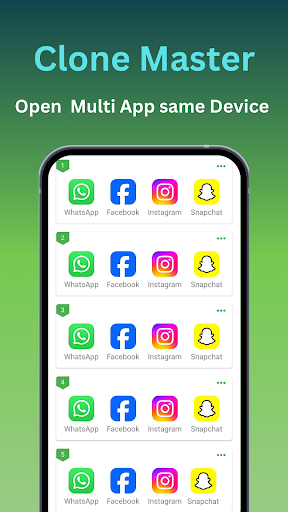
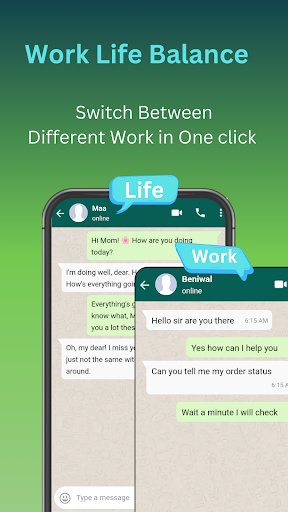
Guess what? It can clone a lot of applications, and it can also create a "dual space" for you-completely separate work and life, so you no longer have to worry about chatting records!
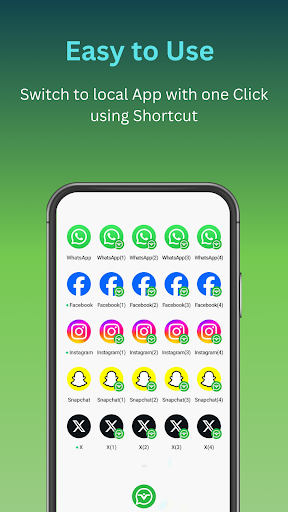
The built-in launcher is super handy, and you can switch between different versions of the application with a few clicks, so fast that you can fly. Things like application cloning, sandbox mode, application locking, and privacy security levers feel like you have installed a "avatar" on your mobile phone.
The key is that it can manage the data of each application independently. For example, if you have several accounts to rotate, it will come in handy. And all cloned applications can be synchronized and updated in real time, so you won't miss any message-cool!
Compatibility is also very good. Most Android devices can run smoothly and the interface is intuitive. Even Xiaobai can become a master of dual space management in seconds.
Who is suitable for using this App?
If you're the kind of tech enthusiast, busy professional person, or social guru who needs to register multiple accounts on a mobile phone-then this thing is tailor-made for you.
Work WeChat and life WeChat are clearly separated, so you no longer have to be afraid of sending wrong Group chats. Whether it's managing several social media accounts, game accounts, or multiple backends for business applications, it makes it easy for you to do it.
It's especially suitable for people who want to balance privacy and productivity at the same time-without having to cut their phones back and forth or bring two machines, one phone can do things beautifully.
Why choose this App
To be honest, there are many similar applications, but the highlight of this one is that it has hardcore functions, but the operation is ridiculously simple. Its starter interface can be understood at a glance and can be switched with a click. There are no complex settings and no need to bother.
The security aspect is also reassuring. Various encryption and protection measures run steadily and quickly, and there is basically no jam. If you are fed up with "cloning software" that often flashes back or steals traffic, this is the right choice.
In general, it integrates multiple account management, data isolation, and privacy protection into one App, which is convenient and reliable. Among so many "split applications", it stands out because of its versatility and worries.
System Features
App management? This thing is really something!
Did you know that it makes multitasking and privacy management super simple? It feels like installing a "split" on your phone? And the bottom layer is directly Android 15. Not only is the performance full, but the compatibility is also stable-who doesn't want to be smooth and worry-free?
What surprised me the most was the cloning feature, which easily copied a bunch of apps and used them any way you want. You can also change the icon and name for each copy, completely according to your personality. It's cool! Work and personal account data are completely isolated, the sense of security is full, and you no longer have to worry about confusing those messy accounts.
Hey, by the way, it can also create dual accounts. Social apps like WeChat and QQ can handle two accounts on one mobile phone, which is so cool. Updates are also completely seamless, always maintaining up-to-date compatibility. In terms of privacy, there is also stealth mode plus data protection. To secretly say, it feels like putting an "invisible lock" on your mobile phone. Whoever uses it will know!
Advantages
- +You can open two completely different apps and accounts on the same device at the same time, and the switching is super smooth. It's a multitasking artifact!
- +It's not hard to operate at all. Even if it's your first time, you can get started in seconds, with no learning cost at all!
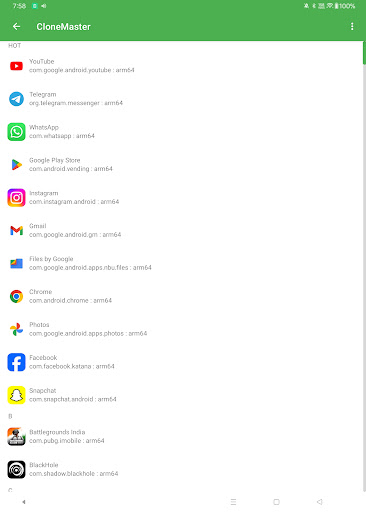
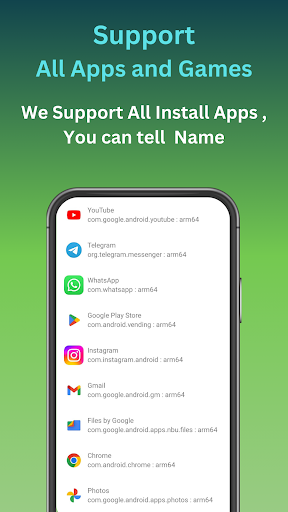
- +It supports almost any application you want to clone. Don't worry about compatibility issues. Play around and clone whichever you want!
- +Permission control and data isolation are clearly arranged, making it extremely safe to use and no longer have to worry about privacy leaks.
- +Even if you open several spaces, you won't feel the battery running out, and the battery life performance is still very stable. I must like this!
Limitations
- -Sometimes the app will suddenly flash back or jerk, and you will have to restart it, which is a bit annoying, but it doesn't happen very often.
- -Want to do some personalized flower work? That may be a bit disappointing, especially for students who like to trouble, the flexibility is still a little lacking.
- -If you apply the clone configuration one by one, the novice will probably be a little confused and will take a long time to get it done. Fortunately, the authorities have been optimizing it, hoping to get faster and faster.
- -It's not as slippery as expected, but it's only occasionally, and the software should be repaired later, so it's still acceptable for now.
- -Want to move files from one space to another space? Hmm... It's a bit confusing to operate. I hope I can just drag it directly in the future.
[SECURE LINK] You are being redirected to the official app store.